 Beleen
Every adventure has its monsters... and sometimes those monsters are bugs. Aaand I'm not just talking those low level Forest Spiders you see scurrying around Greenguard; those guys are just doing their job. What I’m actually talking about are the game-breaking bugs that crawl out of the code and cause chaos in the worst kind of way.
Every bug report helps us track down these digital monstrosities and make the game better for everyone. Well... everyone except the bugs -- they had a good run. Now it's time to meet our very own QA Lead Aelious who put together an easy guide explaining EXACTLY what happens when you report a bug, what information helps the team the most, and how your report goes from "uh oh..." to "totally fixed." Check out Aelious on X Twitter for the full guide, or continue reading this post to learn more! 
Heya gang, Aelious here, QA Lead for AdventureQuest Worlds Infinity! Leaving a thread to demystify the bug reporting process for you. Reply with your questions on this X Twitter thread, if you loved this guide share it with your friends...and if you hated it, share it with your enemies!
So...you think you've found a bug. Great catch! But before you light the signal files (or report it via https://bugs.artix.com) there's some troubleshooting we should try.
1) Clear your cache! By clicking the gear icon on the login screen, then "clear cache"
2) Verify your game is up to date. On steam it's possible you could have missed a version update. To verify your game files: Click on the game -> Gear icon to "Manage" -> Properties -> Installed Files -> Verify Integrity of game files
If the issue is still occurring take videos/screenshots. These will help us investigate later. After you have troubleshot and the issue isn't resolved, head over to https://bugs.artix.com and hit "Report Bug".
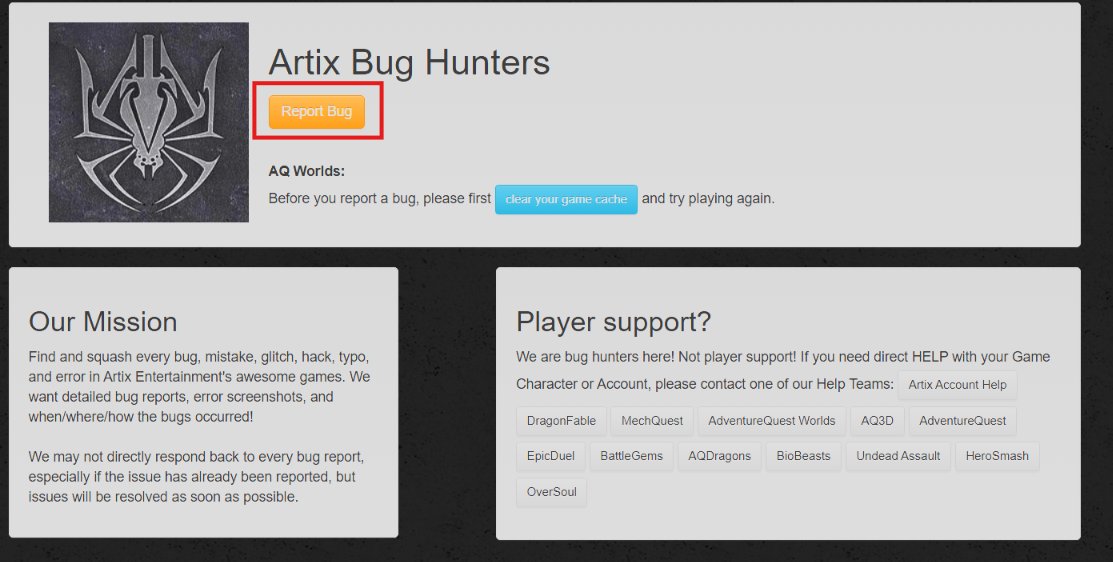
Select "AQWorlds: Infinity" from the dropdown menu then hit "next"
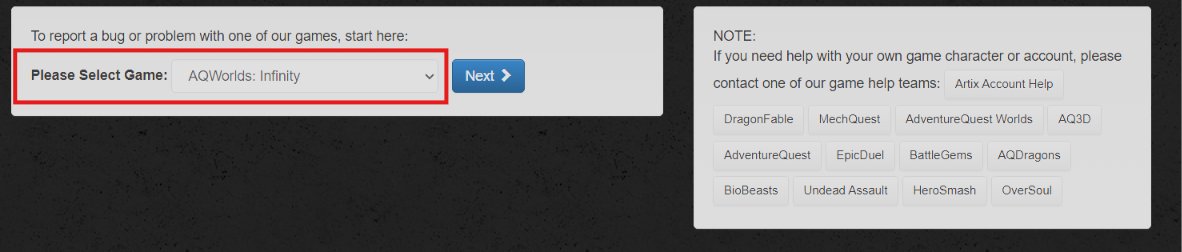
There are a lot of different categories for bugs to fall into. Maybe your item is off center, or maybe the class you're using keeps shooting green lasers from its hands!
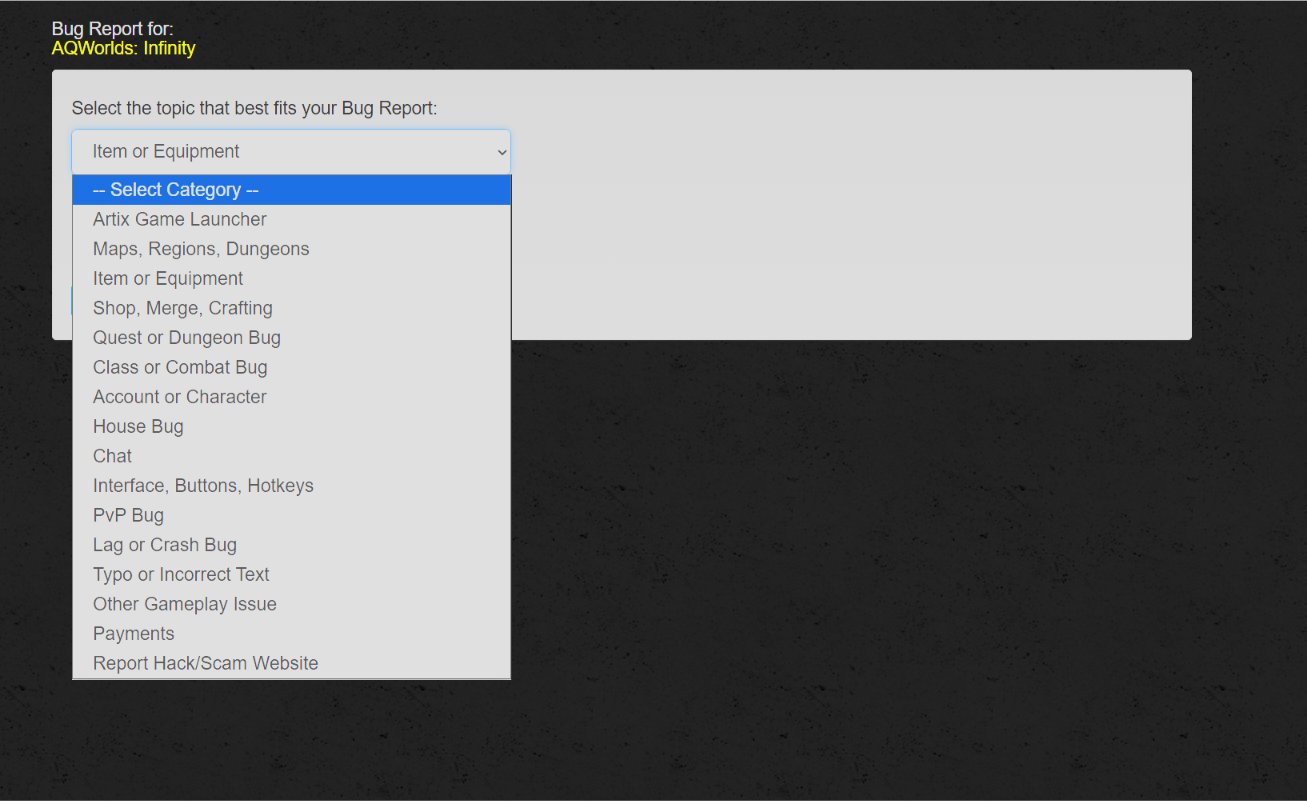
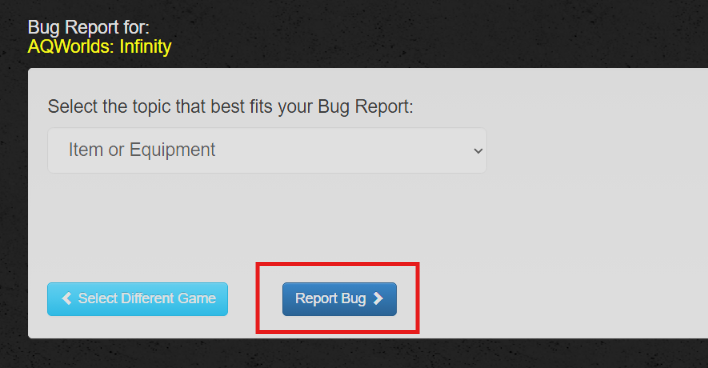
Pick the category you feel best fits the issue! After you pick the category, click "Report Bug"
Next, you will fill out each box (if it applies) with as much detail as possible! It is really important to use the same email address you currently use on your game account because that is how we reach out if we have more questions!
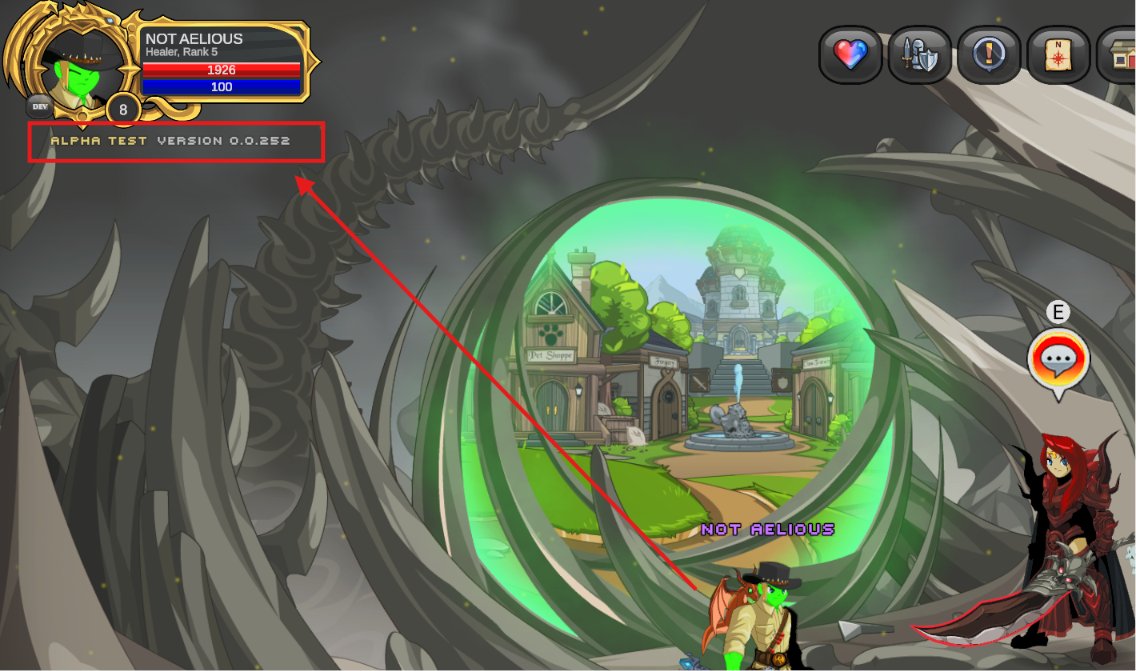
Your game version matters! You can locate this at the top left of the game window, and in the bottom right of the login screen.
Great! Looks like we have a detailed report and it's ready to be sent...but wait. We almost forgot the screenshots/videos we took earlier!
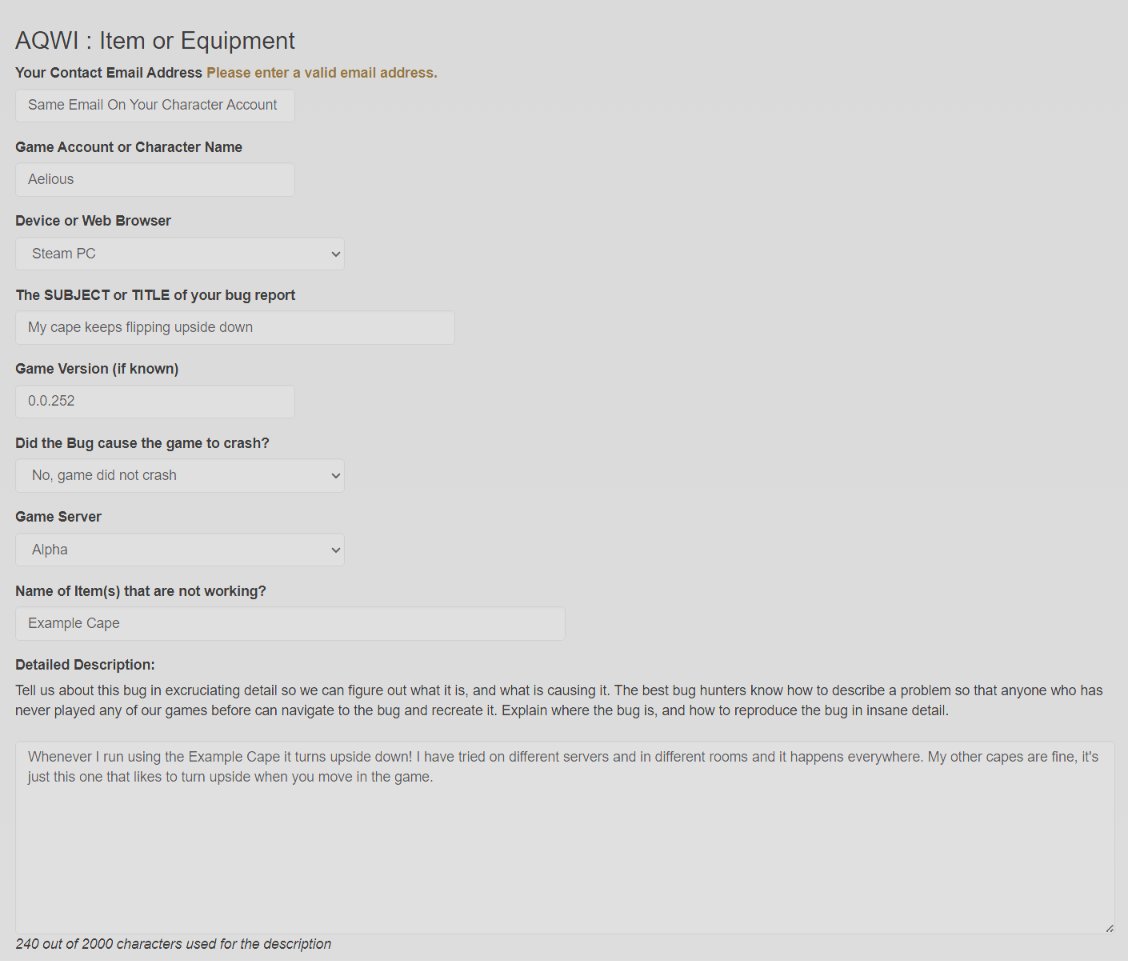
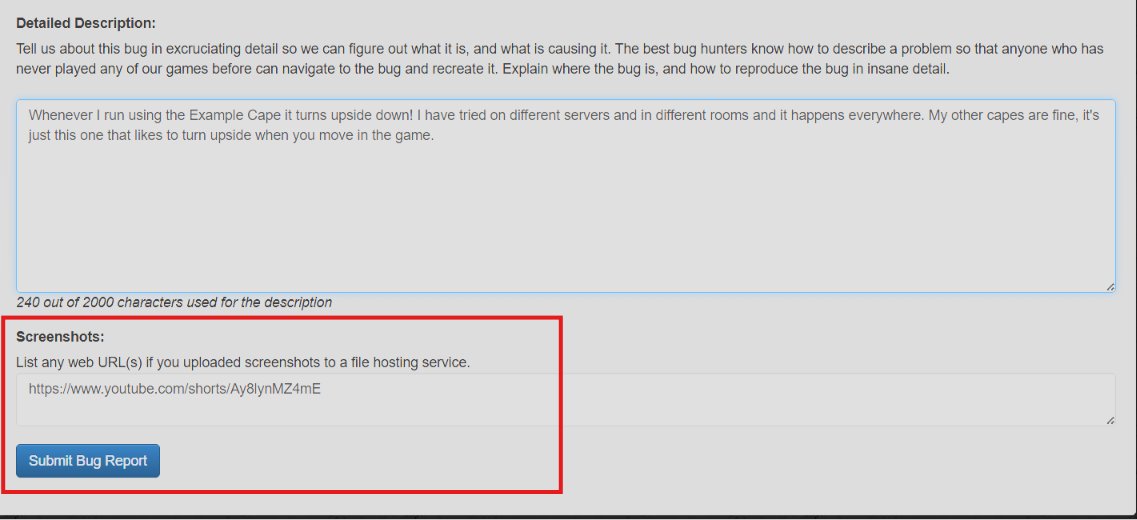
You do not have the ability to upload files via this form, so you will have to use an image hosting site. You can even use links from your social media posts as long as they are set to "public" and can be viewed by anyone that isn't following you!
Remember the links to files on your personal computer cannot be viewed! (Links starting with a letter such as: C:\ ) Add your image/video links to the report then hit "Submit Bug Report"
Now that is all you need to do! But what happens next? The report is sorted and reviewed then sent off to the testing team. Once the issue is replicated and confirmed, it is passed to the proper backend team for fixing.
But what are the teams? There are two back end teams that fix things Content Team: Fixes all content related bugs, this means items that are broken, quest typos, release issues, etc. Coding: Fixes anything coding related such as keybind issues, UI related issues, etc.
And there you have it, that's how it works. If you don't receive a reply don't worry! That doesn't mean your report is ignored, it just means we didn't need more info from you.